What are network features?
Your life is unique, so your connection should be too. Whether you want to splurge on a day of unlimited data, or check your connection in real-time, our My Optus app puts control of your connection in the palm of your hand.
With useful features for donating excess data to those in need, network speed and performance tests, or helping keep you safe from scams you can get more from your everyday Optus network experience.
Unlimited Data Day
Donate Your Data
Scamwise
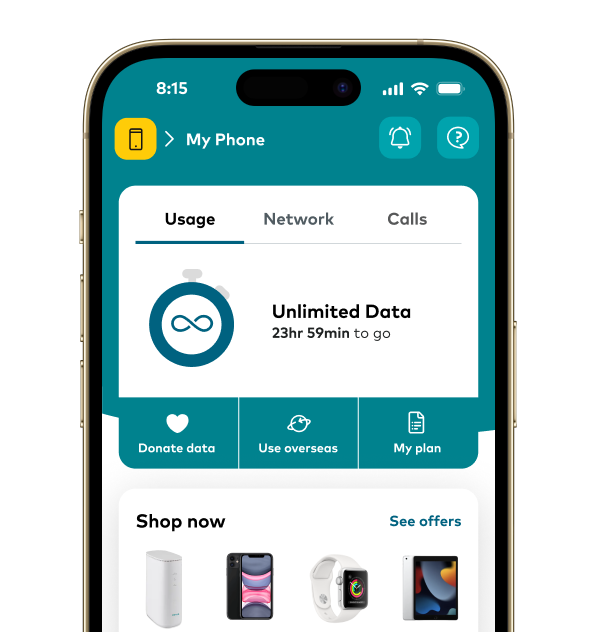
Unlimited Data Day
Play all day with 24 hours of unlimited data to use however you choose.
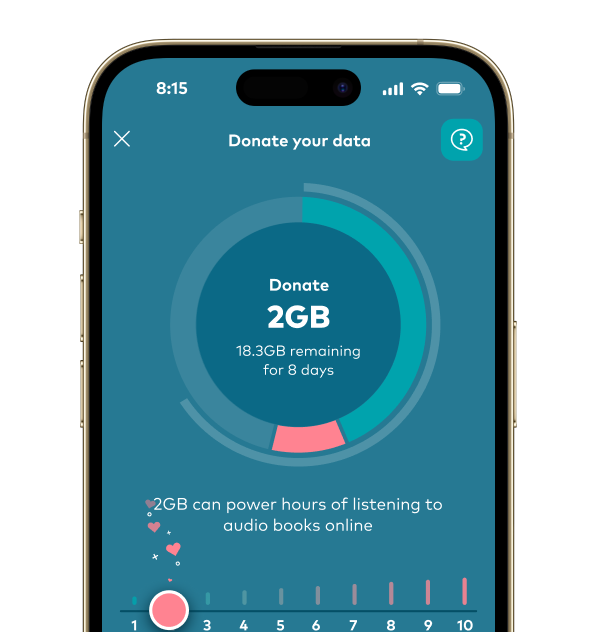
Donate Your Data
Donate a little of your unused mobile data to those who need it.
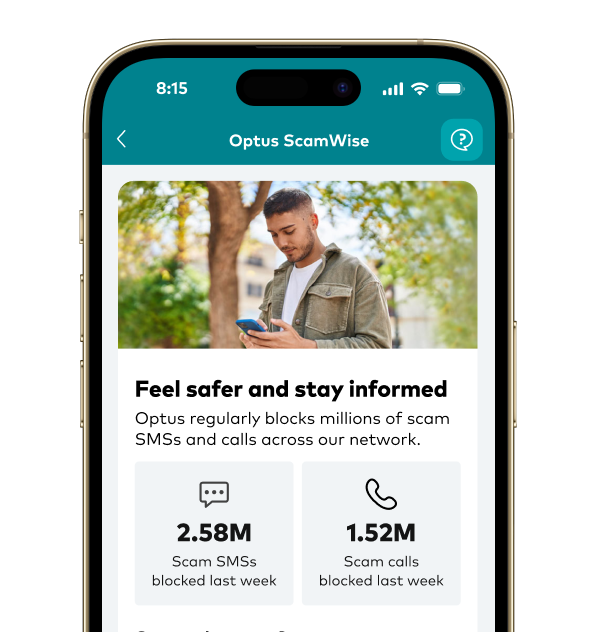
Scamwise
Keep up to date with the latest scam trends and help us stay one step ahead by reporting SMS scams.
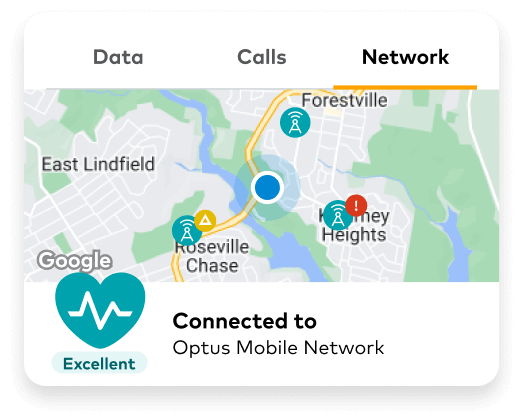
Network Pulse
Get visibility of your Optus mobile, home or public WiFi connection and how the network is performing on your device right now, with your Optus Network Pulse.
Network Pulse
Get visibility of your Optus mobile, home or public WiFi connection and how the network is performing on your device right now, with your Optus Network Pulse.

Real-time connection status
With a quality rating for the key ways our customers use the network.

Interactive Map
See what’s happening on the Optus mobile network near you. Check the status of your local towers and any planned outages.

Live support
Have an issue with your Optus mobile or home WiFi connection? Live chat is available 24/7 so you can get in touch with us straight away.

1. Sign in
Sign into My Optus app. If you don’t have the app installed on your phone, scan the QR code or find it on the app store
2. Activate features
You’ll find network features on the For You homepage. Activate the ones you’d like to use
3. Start using
Have fun with your network features!
Optus Network Coverage
We’ll continue building our network and keep you posted on planned upgrades, outages or any other unexpected events that might affect your services.