Skip to Primary NavigationSkip to ContentSkip to Footer
  • Personal
  • Business
  • Enterprise
  • Deals

Smart Watches & Wearables

No phone? No worries. Stay active with a Smartwatch

With Optus Number Share, your watch gets the same number as your mobile.
Get all your calls and texts direct to your watch.

Free Delivery
Our network
Data Sharing
  • 16 Results
Apple

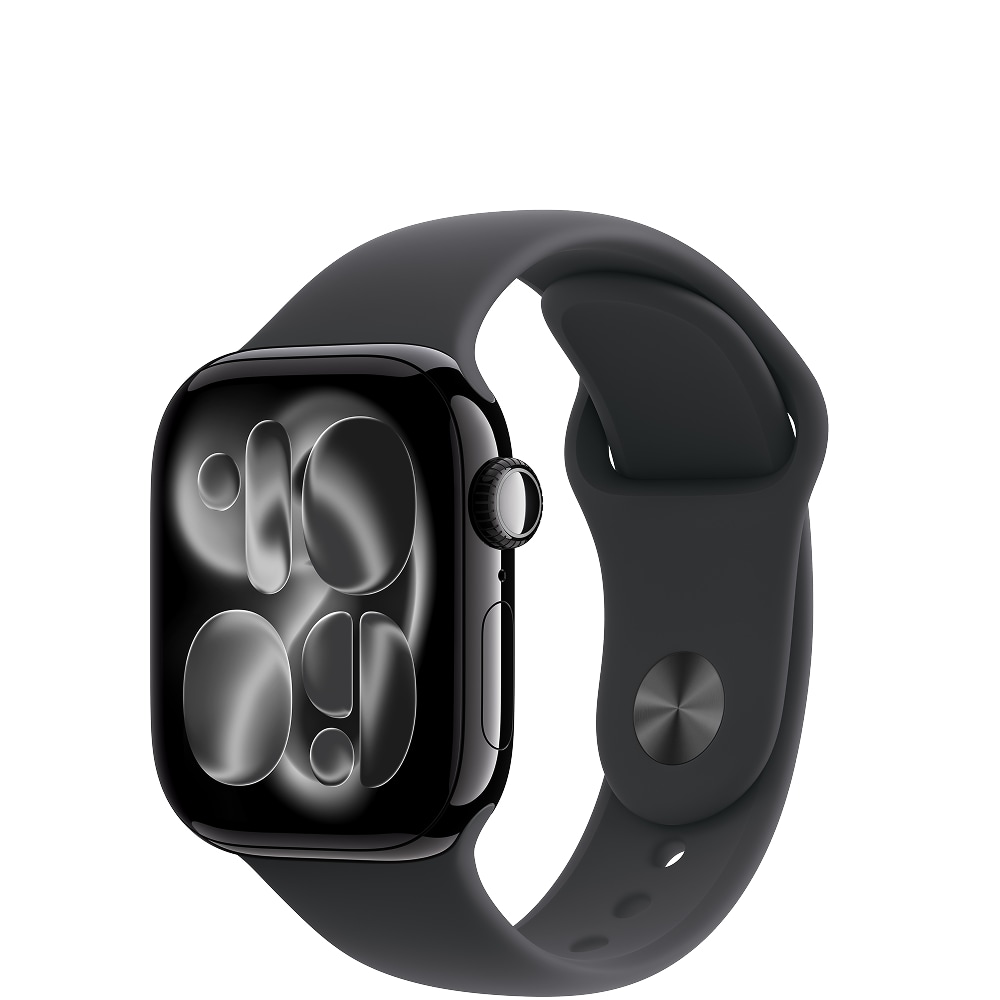
Watch Series 11

Case colour
  • Jet Black
  • Rose Gold
  • Silver
  • Space Grey
Device payments from:
$23.58 per month
Over 36 months when you add a $10/month Watch Plan. Min. cost $848.88 plus plan fees.
Samsung

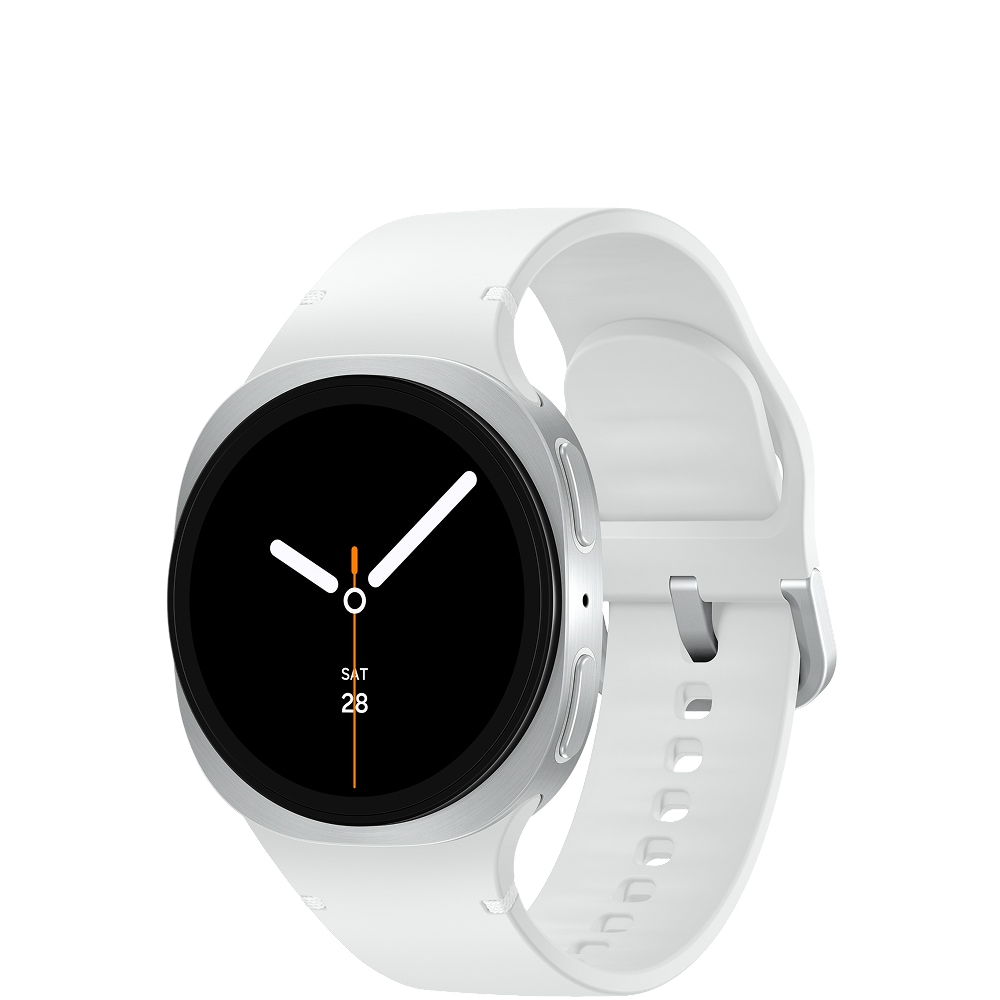
Galaxy Watch8

Case colour
  • Graphite
  • Silver
Device payments from:
$10.40 per month
Over 36 months when you add a $10/month Watch Plan. Min. cost $374.40 plus plan fees.
New
Samsung

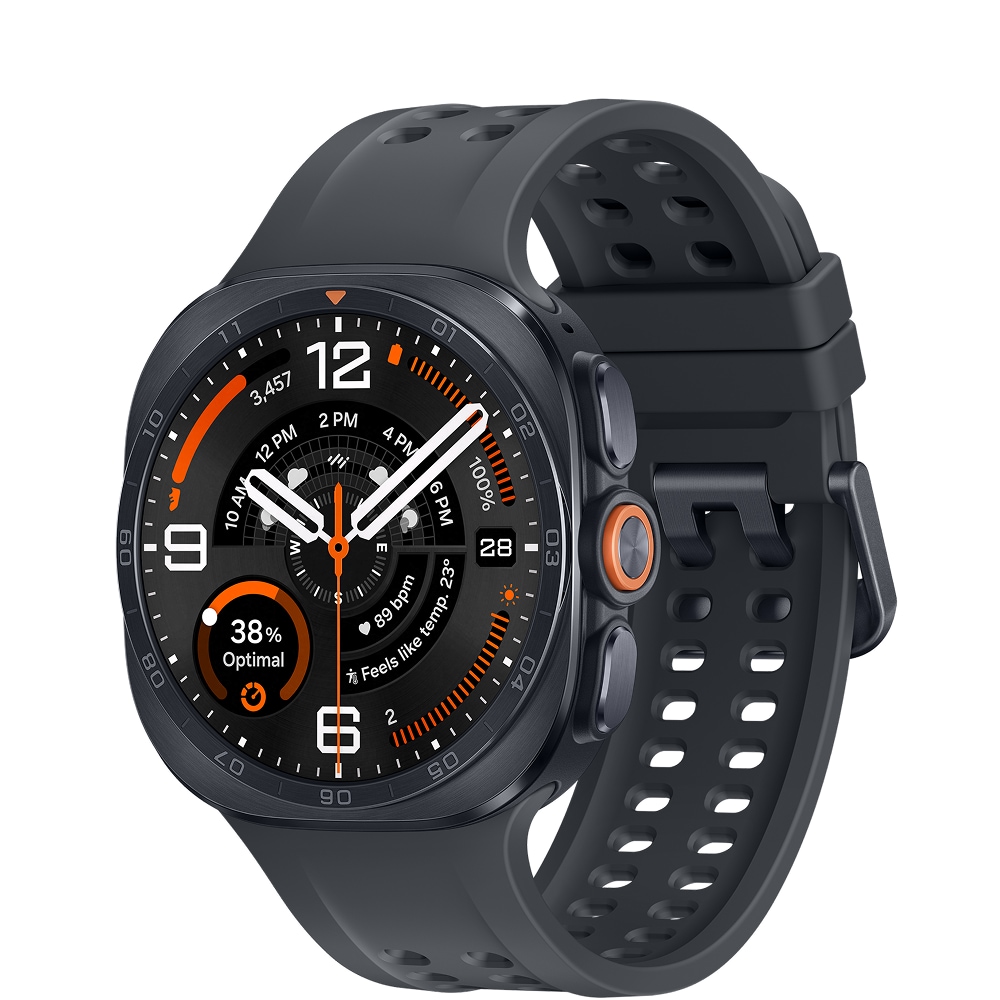
Galaxy Watch Ultra2

Case colour
  • Titanium Grey
  • Titanium Silver
Device payments from:
$36.08 per month
Over 36 months when you add a $10/month Watch Plan. Min. cost $1,298.88 plus plan fees.
New
Google

Pixel Watch 5

Case colour
  • Obsidian
  • Olive
Device payments from:
$23.02 per month
Over 36 months when you add a $10/month Watch Plan. Min. cost $828.72 plus plan fees.
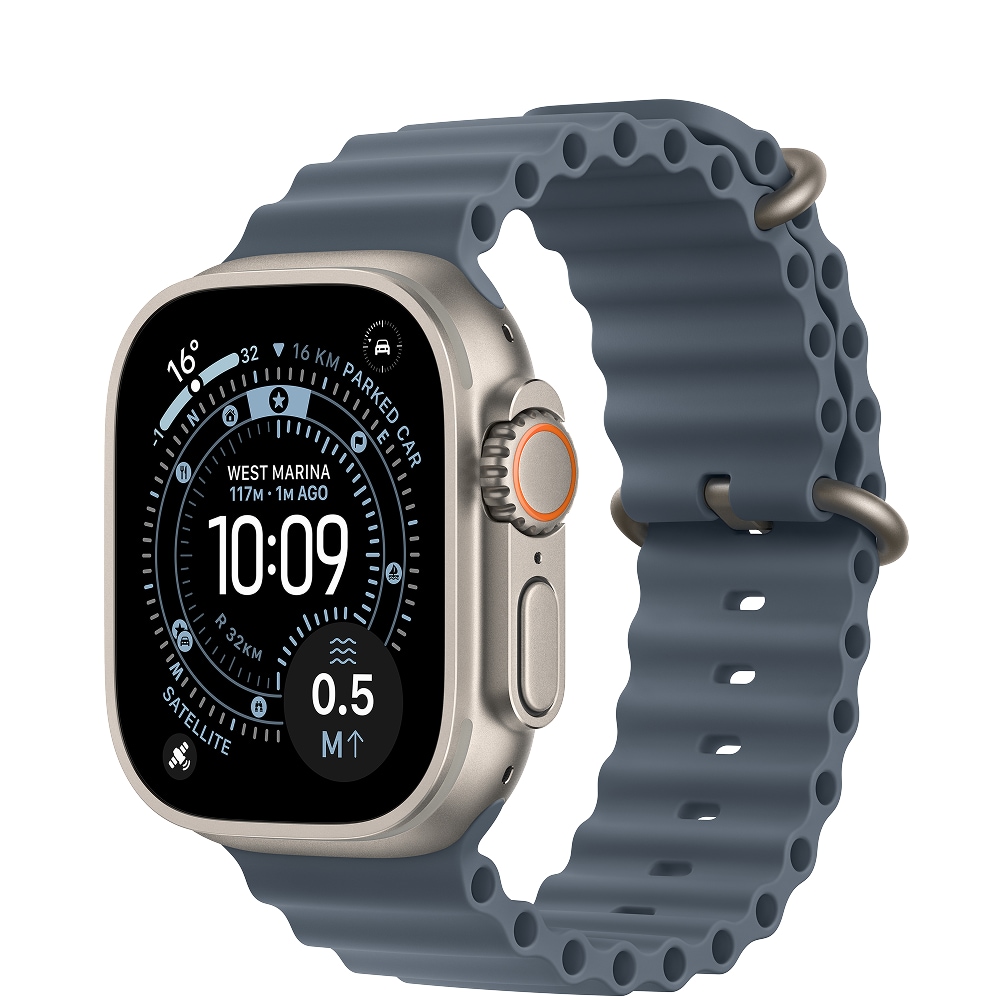
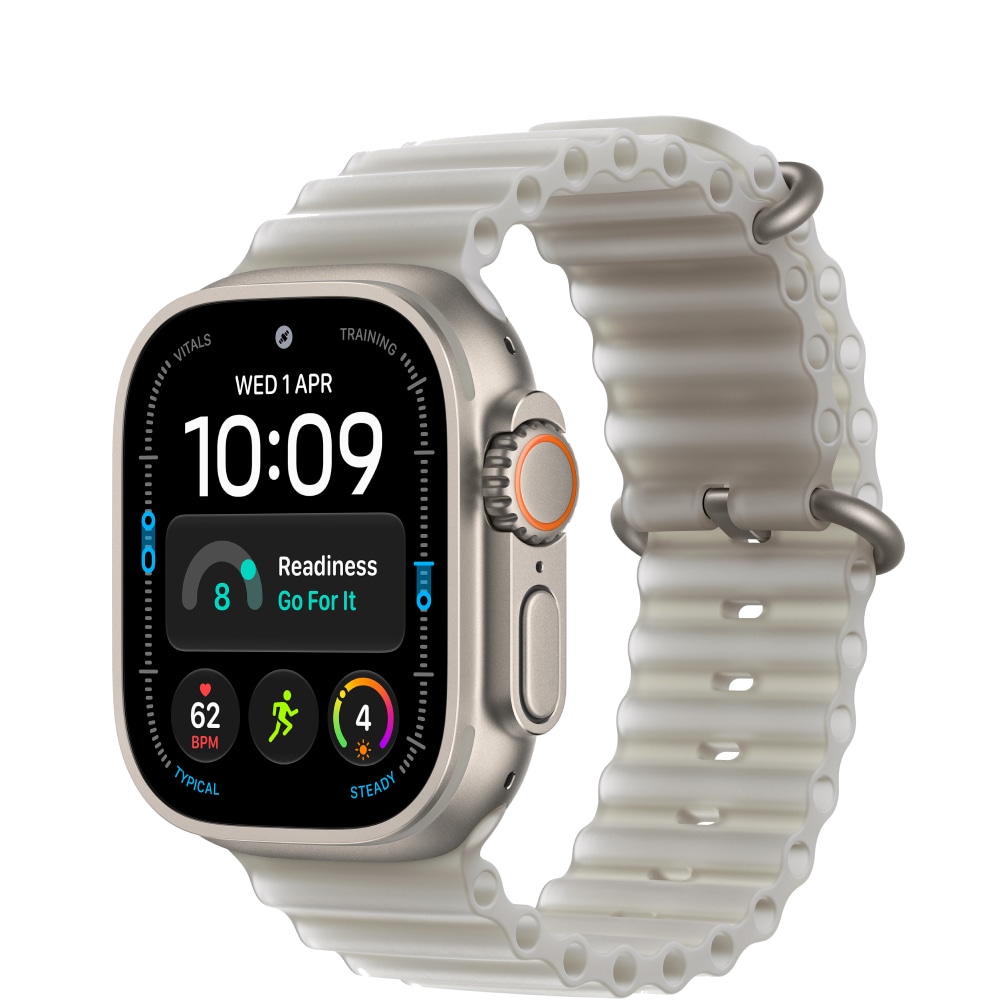
Apple

Watch Ultra 3

Case colour
  • Black Titanium
  • Natural Titanium
Device payments from:
$38.86 per month
Over 36 months when you add a $10/month Watch Plan. Min. cost $1,398.96 plus plan fees.
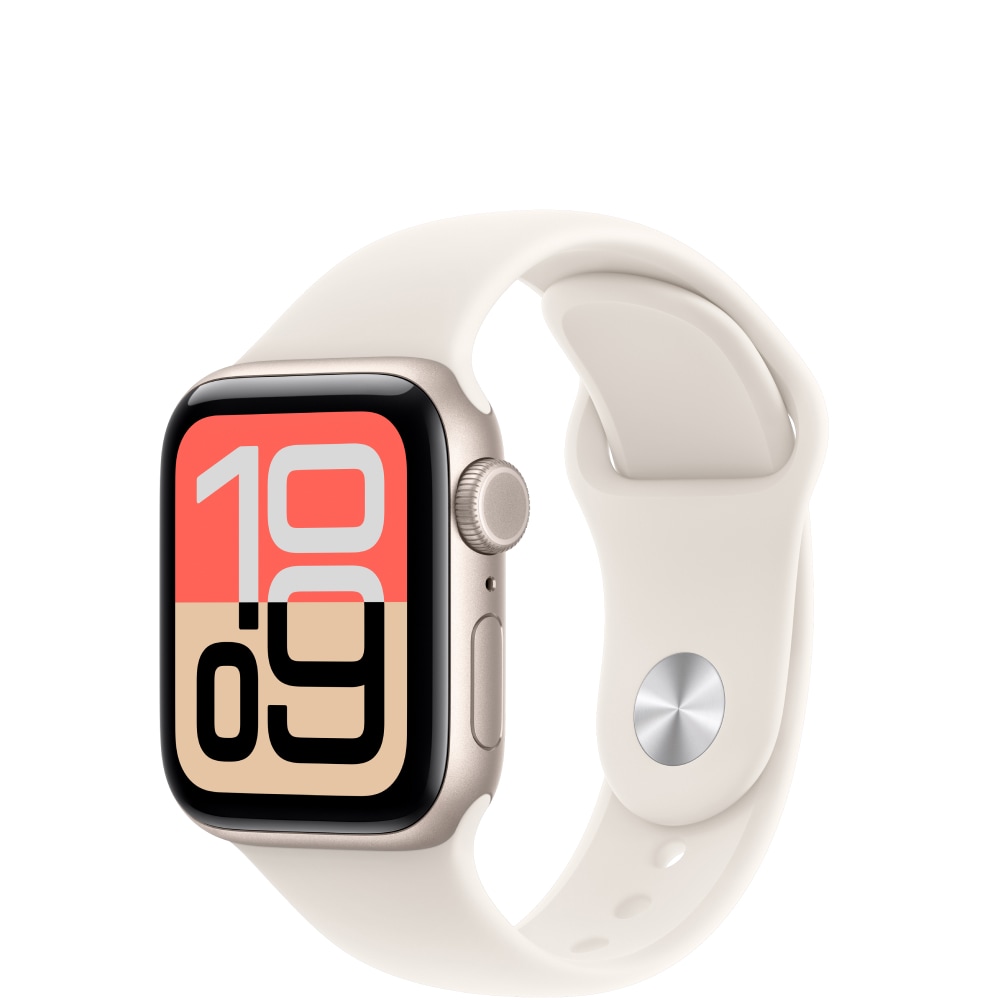
Apple

Watch SE 3

Case colour
  • Midnight
  • Starlight
Device payments from:
$13.58 per month
Over 36 months when you add a $10/month Watch Plan. Min. cost $488.88 plus plan fees.
New
Samsung

Galaxy Watch9

Case colour
  • Graphite
  • Cream
  • Silver
Device payments from:
$20.80 per month
Over 36 months when you add a $10/month Watch Plan. Min. cost $748.80 plus plan fees.
Samsung

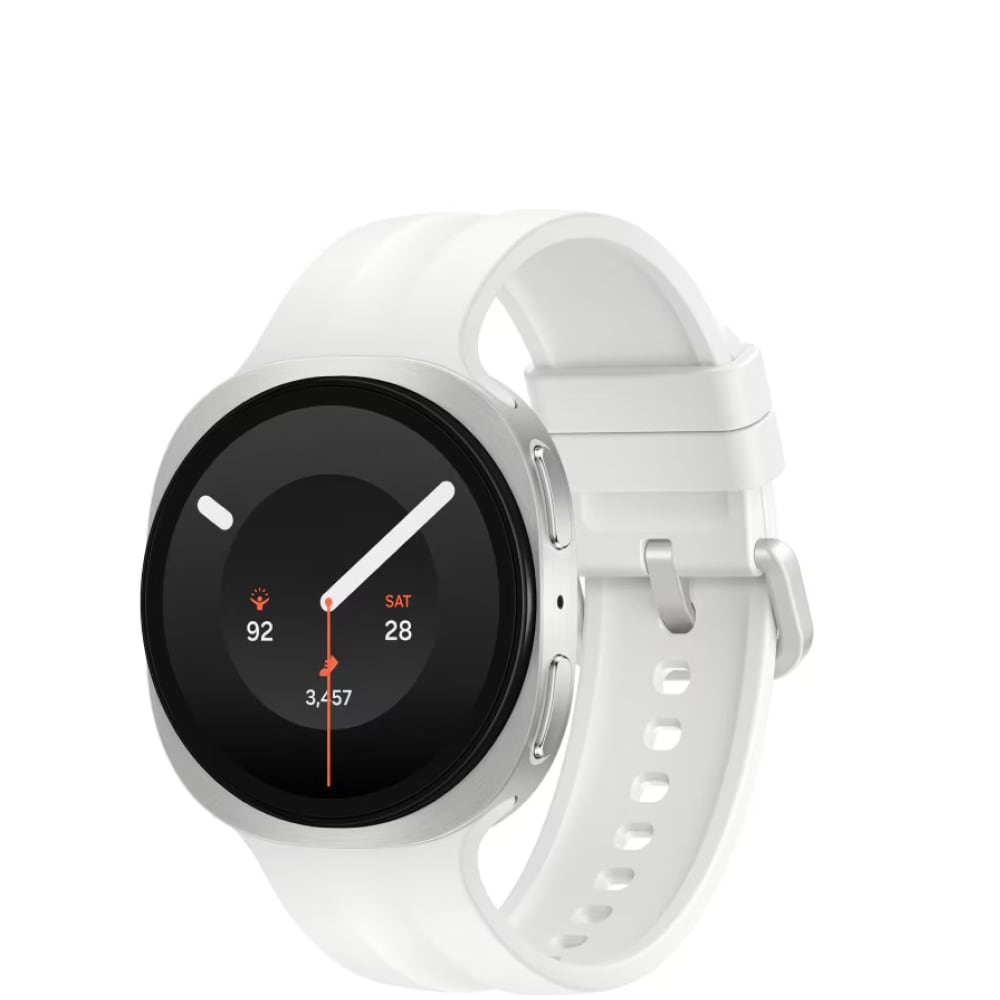
Galaxy Watch8 Classic

Case colour
  • Black
  • White
Device payments from:
$27.74 per month
Over 36 months when you add a $10/month Watch Plan. Min. cost $998.64 plus plan fees.

Why Smartwatches

No phone. No worries.

Enjoy life hands-free with calls and texts direct to your Smartwatch with Optus Number Share.

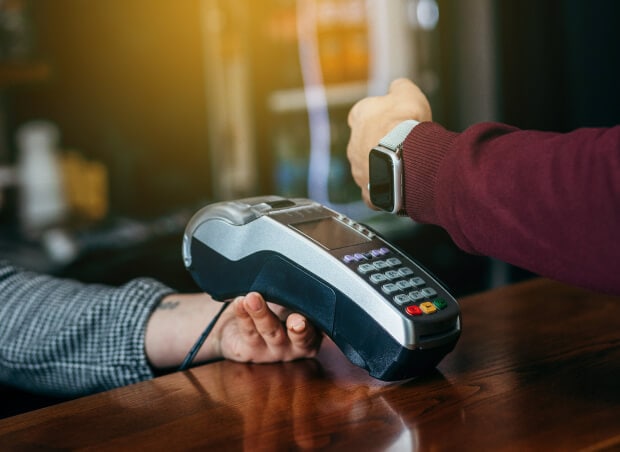
Pay on-the-go

Make payments on the go with a smartwatch. Simply enable your digital wallet on your smartwatch and tap to pay.

Keep track of your health

Whether you need to track your heart rate, steps, or sleep quality, a smartwatch can monitor your health and fitness levels, and more.

TERMS AND CONDITIONS

Fair Go Policy applies.

How we calculate total minimum cost:

Your min. cost is the minimum total amount you will be required to pay, when you sign up to a SIM plan or a SIM plan with a device payment plan.

  • When you sign up to a month to month SIM plan without a device payment plan, your min. cost is one month of your SIM plan fee.
  • When you sign up to a month to month SIM plan (which includes a plan fee discount) without a device payment plan, your min. cost is one month of your discounted SIM plan fee.
  • When you sign up to a month to month SIM plan with a device payment plan, your min. cost is the cost of your device in full plus one month of your SIM plan fee.
  • When you sign up to a month to month SIM plan (which includes a plan fee discount) with a device payment plan, your min. cost is the cost of your device in full plus one month of your discounted SIM plan fee.
  • When you sign up to a month to month SIM plan with a device payment plan (which includes a device discount), your min. cost is the cost of your device in full (less one month of your device credit amount) plus one month of your SIM plan fee.
  • When you sign up to a month to month SIM plan (which includes a plan fee discount) with a device payment plan (which includes a device discount), your min. cost is the cost of your device in full (less one month of your device credit amount) plus one month of your discounted SIM plan fee.

No other discounts or bonus offers are factored into your min cost.

Changes to Plans (month to month):

We may make changes to your month-to-month data plan, including to the price or inclusions. This could include moving you to a new plan, which may cost more. We’ll give at least 30 days’ notice of any increase to plan access fees, any data inclusion decrease, or any plan moves.  If you don’t like the change, you can choose a new plan (once per payment cycle) or cancel your plan.

Optus Choice Plus Watch Plan:

Available to eligible new and recontracting customers who also sign up to a 12, 24 or 36 month eligible device payment plan with Optus. If you need to cancel your plan, there are no plan cancellation fees but you will not receive a pro rata refund for the remainder of the payment cycle, unless otherwise provided in our standard agreement and subject to your consumer law rights. Your related device payment plan will be cancelled and you'll have to pay out any remaining payments owing as a one-off payment with any device credits or discounts forfeited. You will be automatically charged via card on your monthly invoice date. You must maintain your card payment details or your plan will be cancelled. Limit of one Optus Choice Plus Watch plan per eligible device payment.

Device Payment Plans (OptusPay):

You must have an eligible Optus plan to add a Device Payment Plan. If you need to cancel your Device Payment Plan before the end of the agreed term, or you need to cancel your related eligible Optus plan during the Device Payment Plan term or you want to move to an ineligible plan during the Device Payment Plan term, then you’ll need to pay out the full remaining cost of your device. Device credits or discounts that Optus was going to cover do not apply in these cases. Limit of one related device payment plan per Data plan. You will be automatically charged via card on your monthly invoice date. You must maintain your card payment details or your plan will be cancelled.

Device Discount:

If you have device discounts, they will apply for the duration of your payment plan. Device discounts are available as advertised for customers who purchase this device on an plan, as specified above. Discount applied over length of payment plan selected and applied from the first invoice for the device payment. The discount will be forfeited if the customer cancels, recontracts or changes to an ineligible plan, and the customer will have to pay out the remaining device payments excluding the device discount. See above for offer end date. If no date is specified, the offer is available until withdrawn.

Optus Number Share:

Compatible connected wearable devices use Number Share functionality to access the Optus Mobile Network. The wearable device is not the same as a mobile phone and some network functionality is not available on these devices. Call quality may not be of the same standard as a mobile phone and may drop out in certain areas. Requires a compatible wearable device and compatible mobile phone with selected operating systems. Only available if you have or sign up to an eligible mobile phone plan and use your phone to sign up via the app. Your phone must have Voice over LTE (VoLTE) functionality which must be enabled on your device. If you cancel your Number Share Bolt-on or your mobile phone plan to which the bolt-on is attached, the number sharing functionality will not be available on your wearable device. Number sharing functionality is only available for use in Australia. Optus Number Share is a month-to-month option which is normally $5/mth but is available at no additional cost on the Watch plan. You will be automatically charged via card on your monthly invoice date. You must maintain your card payment details or your add-on will be cancelled.

No Excess Data Charges:

If shared data allowance is exceeded, all shared data services on your account will be slowed to a maximum speed of 1.5Mbps (suitable for general internet browsing and music streaming, however some activities such as video streaming may see increased buffering and loading times). Usage while slowed is unmetered. Applies to data usage in Australia only.

Usage Alerts:

Usage alerts are typically real-time but delays of up to 48 hours may be experienced. You will receive alerts in Australia and while roaming overseas via your nominated email. However, you can change your preferred method of receiving usage alerts and service notifications anytime by visiting My Account. To learn more about usage alerts, click here.

My Account:

Services that share data may have a service login to My Account which will display all service numbers contributing or using the shared data pool on the account. If you have more than 6 services you may not be able to use My Account to monitor usage or add/change alerts.

Coverage:

Coverage availability will vary depending on your device and location. Check coverage at optus.com.au/coverage.

Optional Extras For Optus Choice Plus Watch Plan:

Optional Extras are available on a month by month basis and do not form part of your plan. You may cancel them at any time. Optus may change or withdraw an optional extra at any time and we will try and give you at least 21 days prior notice of a change. If an optional extra is cancelled, changed or withdrawn, you will be liable to pay charges for the optional extra service that remain active until the relevant payment cycle ends and your plan will continue for the rest of its term.

Support

Frequently asked questions 

What is a smart watch?

A smart watch is a device that combines smart phone functions with the appearance of a traditional wristwatch. 

Also known as a wearable, a smart watch enhances your mobile ecosystem by helping you manage notifications, set alarms, and even make calls or texts while on the go. Some smart watches also include health tracking and music streaming functions. 

There are two main types of smart watches – cellular and Bluetooth. A cellular smart watch allows you to use your watch independently from your phone, provided you are on a watch plan. In contrast, a Bluetooth/GPS watch requires close physical proximity to a connected smart device to work.

Popular smart watch models include Apple Watch and Samsung Galaxy Watch.

What are the latest smart watches?

The latest smart watches launched in 2025-26 include:

  • Samsung Galaxy Watch9
  • Samsung Galaxy Watch Ultra2
  • Apple Watch Series 11
  • Apple Watch Ultra 3
  • Apple Watch SE 3
  • Samsung Galaxy Watch 8
  • Samsung Galaxy Watch8 Classic
  • Samsung Galaxy Watch Ultra (2025)
  • Google Pixel Watch 3

Which smart watch should you buy?

The right smart watch to buy may vary depending on your tech needs, brand preference, and budget. Optus has a wide selection of smart watches for you to choose from, featuring different sizes and functions for all budget ranges.

What features should I consider when choosing a smart watch?

Consider the following few features before choosing a smart watch to ensure you buy the right one.

  • Ecosystem compatibility: if you already own a device from one brand (such as Apple or Samsung), it may be worthwhile investing in a smart watch of the same brand for compatibility’s sake. This will ensure your smart watch works well with your existing devices.
  • Functionality: Find out what you need a smart watch for and whether you need it to perform basic functions like checking notifications, or more advanced ones such as health and fitness tracking, sleep monitoring, calling, or more.
  • Design: A smart watch can be treated as an extra accessory to add to your daily wear, so it’s important that you like its design. Luckily, most smart watches allow you to change out the swap the bands so you can find something you like.
  • Display: Like smart phones, smart watches can have different types of displays, including LCD and AMOLED. Consider the type of display you need before purchasing a smart watch.

How can I connect my smart watch to my phone?

You can connect your smart watch to your phone via Bluetooth. Optus Number Share allows you to connect and share one mobile number between multiple compatible devices, including a smart watch. This means you can enjoy staying connected with your smart watch, even without your phone.

Why should I get a smart watch with Optus?

Optus has a wide range of smart watches for you to choose from, fit for all budget levels and tech needs. You can buy a watch on a plan (for cellular smart watches) or outright and use OptusPay to pay off your watch over time when you add on an eligible plan. Cellular watches may also be eligible for number share, which allows you to connect your mobile number to your watch.

What is a watch plan?

A watch plan is broadband service that includes a monthly data allowance within Australia for smart watches. The Optus Choice Connected Watch Plan is available to new and recontracting services.

Which smart watches are water resistant?

Many of the latest smart watches are waterproof with water expelling functions, designed withstand down to 50 metres in fresh water.

Some water resistant smart watches include:

  • Apple Watch Series 9 with IP6X rating
  • Samsung Galaxy Watch7 with IP68 rating

Do you offer interest free device payment?

Yes, you can order a watch of your choice and pay it off over time interest free on an eligible plan with Optus. For more information, check out OptusPay.

What is OptusPay?

OptusPay gives you options when it comes to paying for your device. OptusPay allows you to pay off your device over time when you add an eligible SIM plan. You can choose to pay over 12, 24 or 36 months if you stay on an eligible SIM plan. All OptusPay payment options are interest free. If you pay over-time with OptusPay, you won’t pay more for your device.

Optus also offers Outright purchases on selected devices. So, whatever your situation may be, you can pay off your device in a way that works for you.

Can I give my child Apple Watch without a phone?

Yes, you can give your child an Apple Watch without a mobile phone. You can keep it connected to your own mobile phone while using parental controls to limit the functions on your child’s smart watch. GPS tracking is a great feature to use in your child’s smart watch – learn more about whether you should buy your child a smart watch here.

What are the best Android smart watches?

There are many great Android smart watches in the market. Samsung is a popular smart watch brand with a wide range of watches compatible with Android devices. Currently, the Galaxy Watch Ultra2 and Galaxy Watch9 are the newest Samsung watches.

What is the latest Apple Watch?

Currently, the Apple Watch Series 11, Apple Watch Ultra 3 and Apple Watch SE 3 are the newest Apple watches.

Still have questions?

Chat with us now

  Call 1800 700 749

  Visit an Optus store

Stay connected with our data devices

  • Smart Watches
  • iPad & Tablets
  • Portable Modems
  • Data Plans

More from Optus

  • My Optus App
  • SubHub
  • Accessories
  • Student Hub

Customer Service

  • Contact Us
  • Help & Support
  • Store Locator
  • Payment Assistance Policy
  • Feedback & Complaints
  • Report a service outage

About Us

  • About Optus
  • Careers
  • Corporate Information
  • Media Releases
  • About Singtel
  • Accessibility

  • Blog
  • Connect With Us on facebook
  • Connect With Us on instagram
  • Connect With Us on tiktok
  • Connect With Us on linkedin
  • Connect With Us on twitter
  • Connect With Us on youtube

  • Critical Information Summaries
  • Standard Agreement
  • Privacy, Security & Safety

Connect with us

  • Blog
  • Connect With Us on facebook
  • Connect With Us on instagram
  • Connect With Us on tiktok
  • Connect With Us on linkedin
  • Connect With Us on twitter
  • Connect With Us on youtube
  • Critical Information Summaries
  • Standard Agreement
  • Privacy, Security & Safety
© 2026 Singtel Optus Pty Limited
Optus acknowledges the Traditional Custodians of the lands, waters and skies across Australia. We pay our respects to Elders past and present and honour the strength and continuity of the world's oldest living cultures.