Tip! You should always pick a password that's strong, secure and easy to remember.
Important: If you perform a factory reset, the WiFi network name and password will be changed back to its default.
Follow the steps to change your WiFi network name & password for the Nokia FastMile 5G Gateway 3 modem:
- Connect your PC, laptop, smartphone, or tablet to the modem. You can use Wi-Fi or one of the 3 LAN ports on the bottom of your device
- To access the modem settings web page, locate the admin IP address located on the bottom of your modem. It'll be in the format 192.168.x.x. Enter this address into a web browser, i.e. http://192.168.x.x
- You'll now be connected to your modem's settings page
From the main screen, click Network → WiFi Networks
- You'll see the Wireless 2.4GHz and Wireless 5GHz connection types. Both will have the same WiFi name (SSID)
- Select your preferred connect type then scroll down to the Configure SSID 1 section
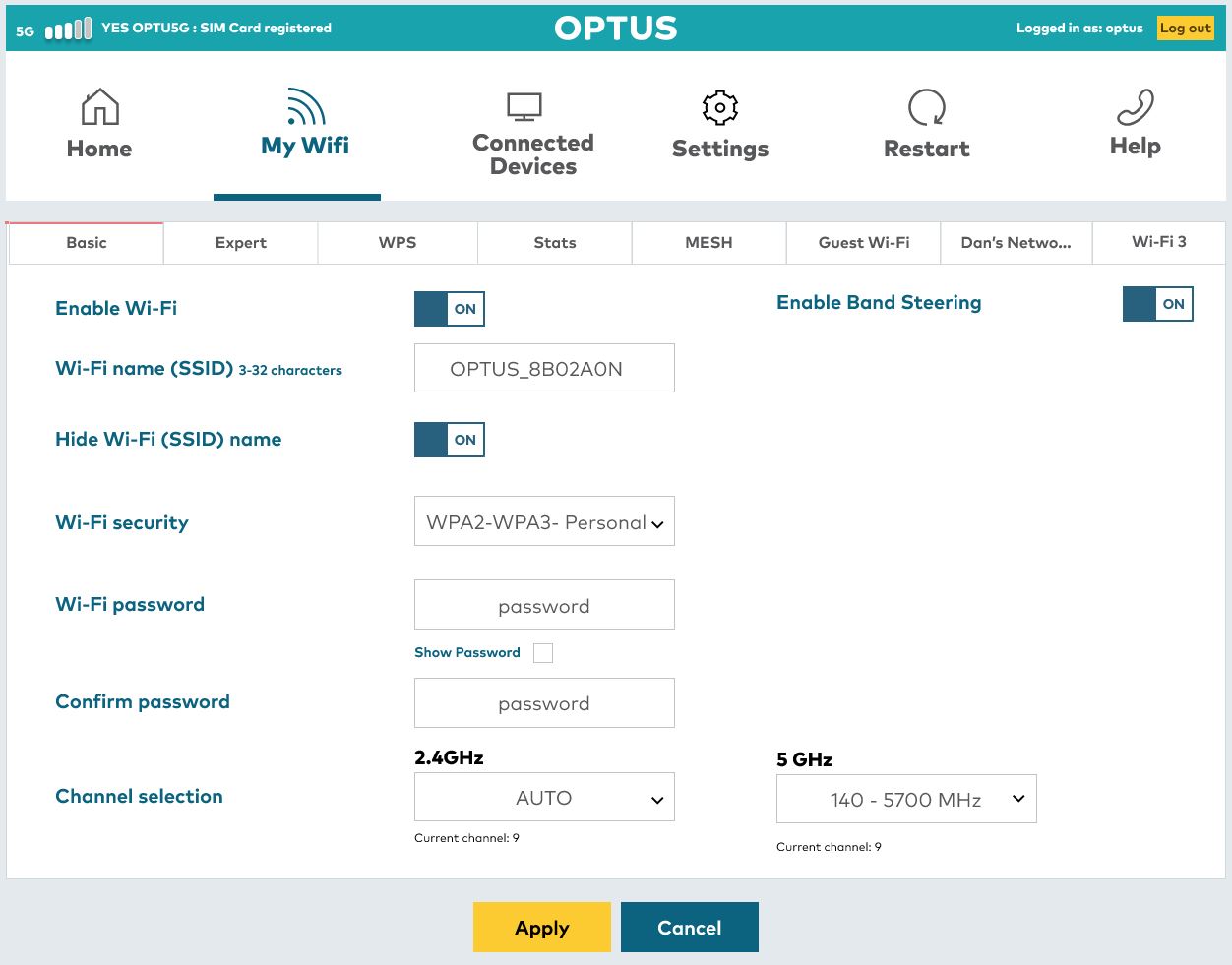
- From the SSID configuration table, enter your preferred WiFi network name in the SSID name field
- To change your WiFi password, enter your preferred password in the WPA KEY field
- Click Save
We recommend you repeat the process to change both the 2.4GHz and 5GHz wireless connection types.
Naming the 2.4GHz and 5GHz the same will ensure the modem connects to whichever signal is stronger. If you'd like to control this manually, please use a different WiFi name (SSID) for both 2.4GHz and 5GHz sections.