Skip to Primary NavigationSkip to ContentSkip to Footer
  • Personal
  • Business
  • Enterprise
  • Deals
  1. Help & Support - Optus/
  2. Articles/
  3. Upgrade your device with Optus Upgrade and Protect

Upgrade your device with Optus Upgrade and Protect

Optus Upgrade and Protect banner

Head to an Optus retail store or contacts us to upgrade your mobile device / tablet via Optus Upgrade and Protect.

You'll need to ensure:

    • You have Optus Upgrade & Protect active against the specific mobile device / tablet
    • For upgrades at an Optus retail store, you have completed your device assessment via the Optus Device Check app within 7 days of requesting your upgrade. (For upgrades via our contact centre, we'll ask some questions to complete a device assessment when you contact us)
    • You haven't upgraded your device in the last 30 days
    • You have your device backed up to easily swap your data to your new device

Note. An estimate of the upgrade fee payable will be provided when you redeem your upgrade, but the final fee will be determined after a physical examination of your device. This is because the final Good Working Order determination is made once the device is returned. To understand 'Good Working Order', head to What does 'Good Working Order' mean?

For more on assessing your device and the Optus Device Check app, see below.

For general information, see What is Optus Upgrade and Protect?
Your device needs to be assessed to determine its condition before you can upgrade it.

When upgrading through an Optus retail store, an assessment of your device's condition includes:

    • Assessment via the Optus Device Check app to check if it's in Good Working Order and provide an estimated upgrade fee
    • A visual assessment in-store to check for any physical damage to the device, screen, and body of the device

We recommend completing the Optus Device Check assessment immediately before visiting an Optus store to apply for an upgrade (as your assessment is valid for 7 days only). This can also be completed in-store if you need help.

Note. If the device is assessed as not in Good Working Order and / or there is physical damage, a device damage fee will apply if you proceed with the upgrade.

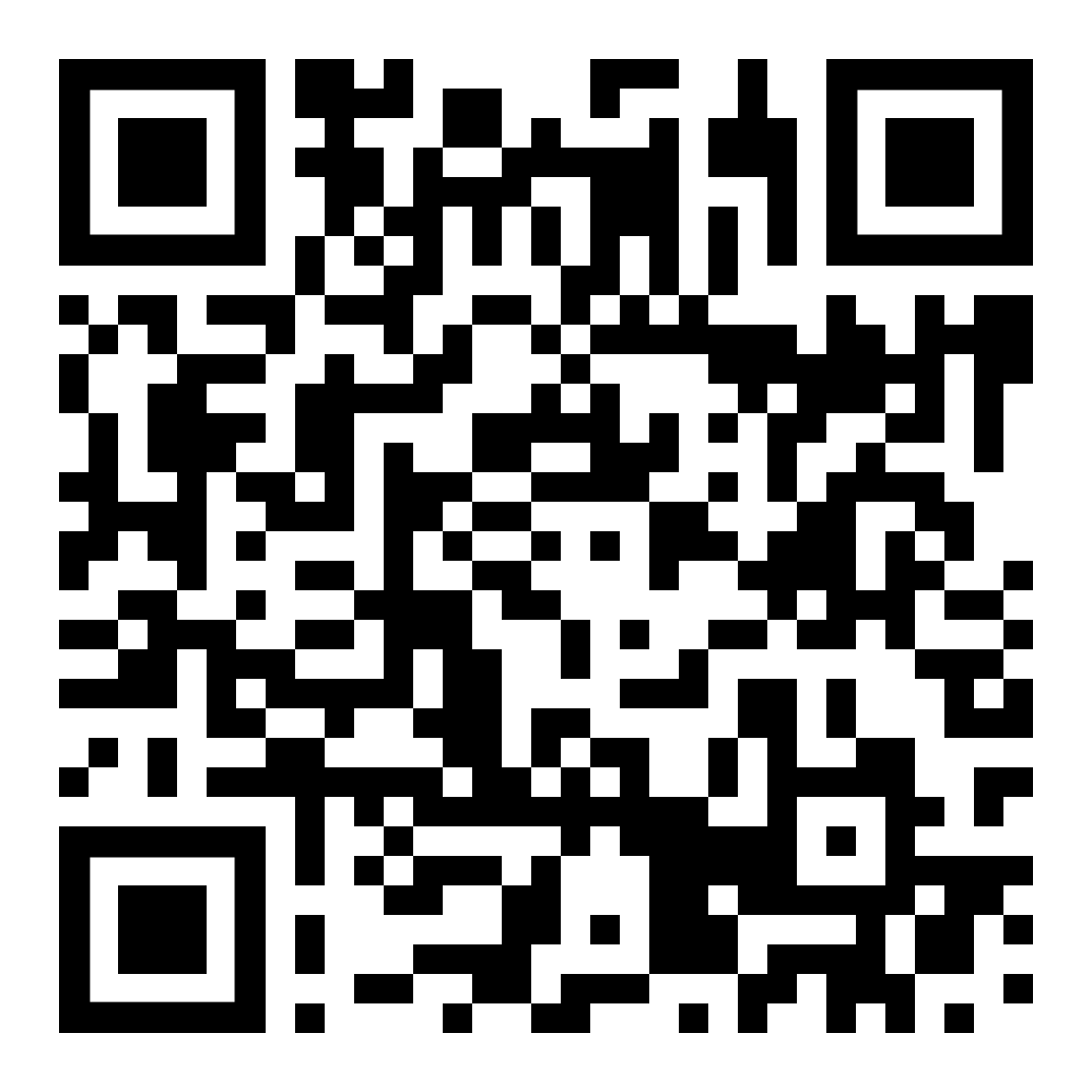
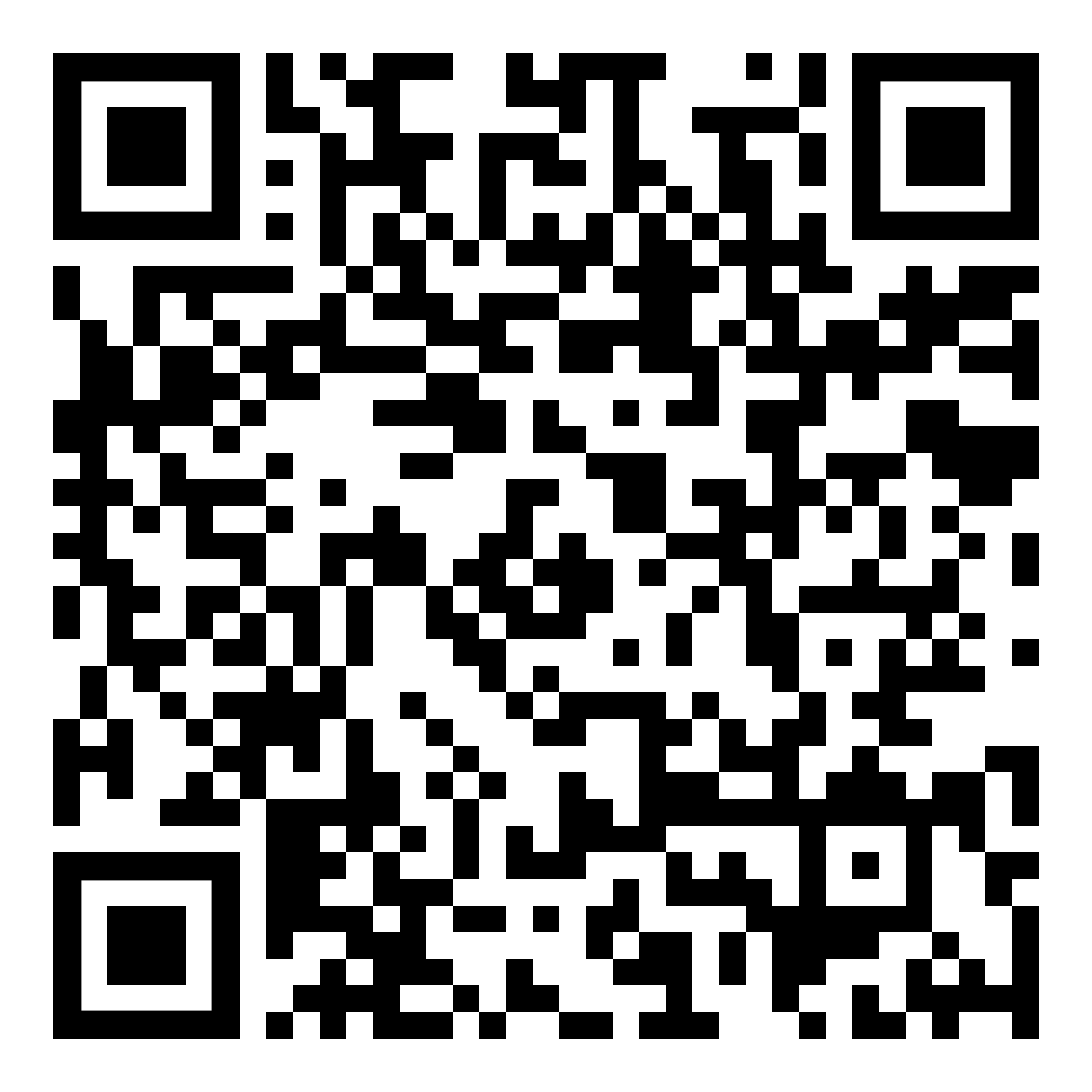
Download the app

To download the Optus Device Check app, see below.

Google Play Store
  • Link - Click here
  • QR code below

Optus Device Check app | QR Code - Google


Apple Store
  • Link - Click here
  • QR code below

Optus Device Check app | QR Code - Apple


Use the app

To use the Optus Device Check app:

  1. Enter in your Mobile number
  2. Agree to the Terms of Use & Privacy Policy
  3. Answer some questions on the physical condition of your device
  4. Start the device assessment. This will test the functionality of your device
  5. Receive your device assessment result. This will determine the condition of your device and any applicable Optus Upgrade and Protect upgrade fee

If you perform multiple assessments, only the most recent is recorded.

Note. The assessment remains valid for 7 days only.

Related Articles

What does 'Good Working Order' mean?

What is Optus Upgrade and Protect?

Popular articles

Orders, deliveries & returns

How to check network status & outages

Home Internet WiFi username & password help

Home Internet troubleshooting

Get in touch

  • Get My Optus app
  • Contact us
  • Find a store

Need more help?


Getting started


Billing and recharge


Troubleshooting


Device Guides


5G Mobile


Broadband & NBN


Manage my account


Optus Sport


Email


5G Home Broadband


Entertainment


Coverage and travel


Home phone


Business


Consumer advice


More from Optus

  • My Optus App
  • SubHub
  • Accessories
  • Student Hub

Customer Service

  • Contact Us
  • Help & Support
  • Store Locator
  • Payment Assistance Policy
  • Feedback & Complaints
  • Report a service outage

About Us

  • About Optus
  • Careers
  • Corporate Information
  • Media Releases
  • About Singtel
  • Accessibility

  • Blog
  • Connect With Us on facebook
  • Connect With Us on instagram
  • Connect With Us on tiktok
  • Connect With Us on linkedin
  • Connect With Us on twitter
  • Connect With Us on youtube

  • Critical Information Summaries
  • Standard Agreement
  • Privacy, Security & Safety

Connect with us

  • Blog
  • Connect With Us on facebook
  • Connect With Us on instagram
  • Connect With Us on tiktok
  • Connect With Us on linkedin
  • Connect With Us on twitter
  • Connect With Us on youtube
  • Critical Information Summaries
  • Standard Agreement
  • Privacy, Security & Safety
© 2026 Singtel Optus Pty Limited
Optus acknowledges the Traditional Custodians of the lands, waters and skies across Australia. We pay our respects to Elders past and present and honour the strength and continuity of the world's oldest living cultures.