Your tax invoice explained
If you're on an Automatic Payment plan, you won't receive a monthly bill. Instead, you'll have a set monthly payment that's automatically paid at the start of your payment cycle.
A tax invoice is made available after a successful payment has been received and replaces a traditional 'bill' you may have received for a Postpaid service.
Key information:
- You're required to set up automatic payments on this plan, which means payment for your service will automatically be deducted each month. For more on automatic payments, head to Managing your automatic payments
- You can make a manual payment any time before your automatic payment is due, using our Pay Online page. With manual payments, you can pay the full amount or make a partial payment. Any remaining balance will be automatically paid on your payment cycle due date.
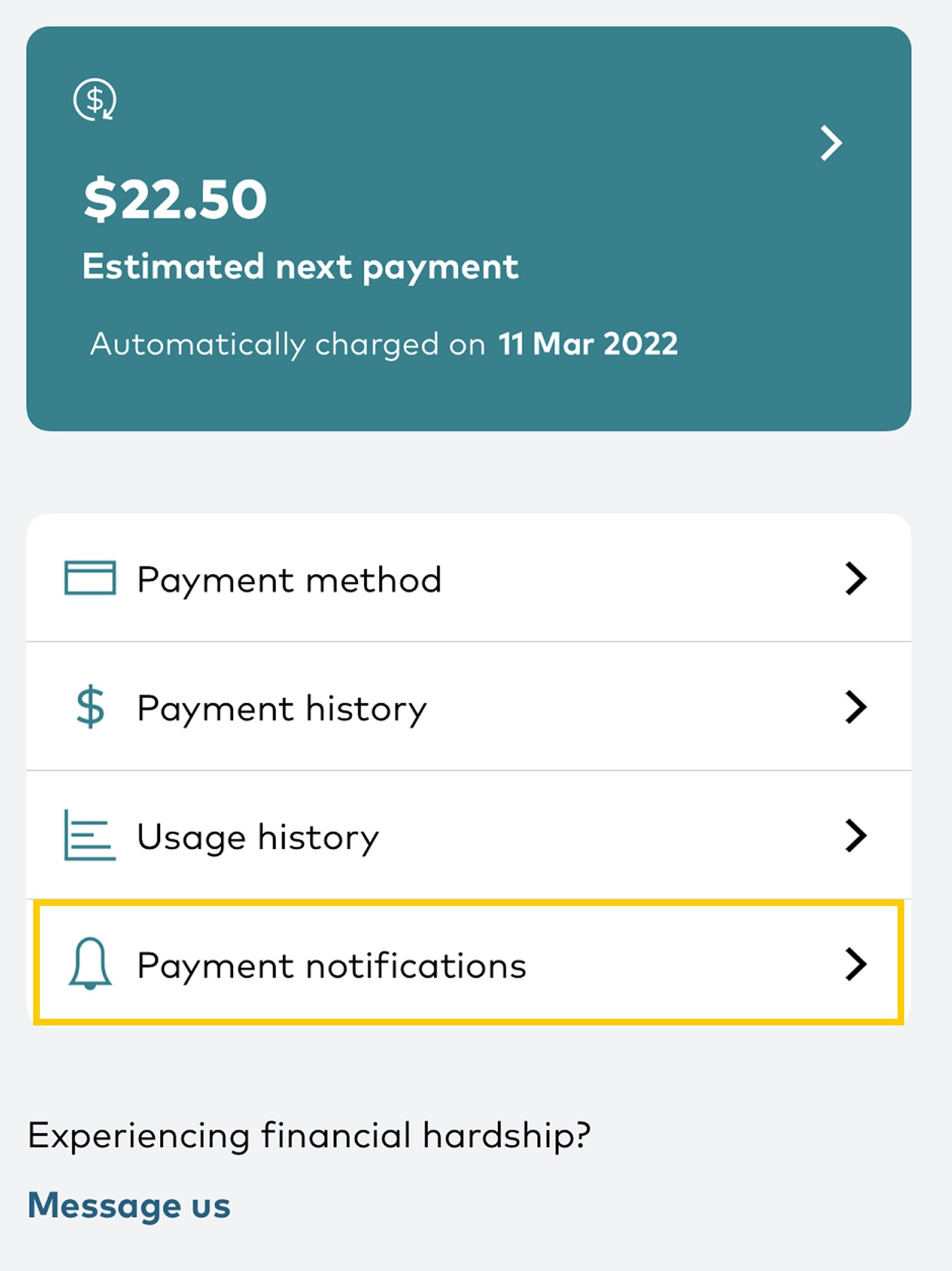
- You can see any upcoming payments in My Optus app from the Home page, under Payments
- Your tax invoice is generated at the start of your monthly payment cycle once your account is paid in full and includes a summary of charges and any manual payments. You can view your tax invoices in My Optus app and My Account.
- You can turn on payment reminders in My Account and My Optus app so you're sent a text or email 7 days before an automatic payment occurs
- You can turn on Tax invoice notifications in My Account and My Optus app so you're sent a text or email when a payment is successful
- You can view your Estimated next payment via My Optus app to know what's coming up (Note: any credit adjustments and some discounts may not show)
- If needed, we can provide a copy of your tax invoice via email. To request this, contact us
- For outright device purchases, customers receive a separate invoice via email. For a copy of this, contact us
- If you have a fixed term discount applied to your account from 15 June 2026, your tax invoice will show the expiry date so that you know when that discount is due to end
To manage your payment notifications or check your payment history (tax invoice), see below.
If you're not on one of the above plans, head here for help understanding your bill or for payment options.