How to add and remove international roaming
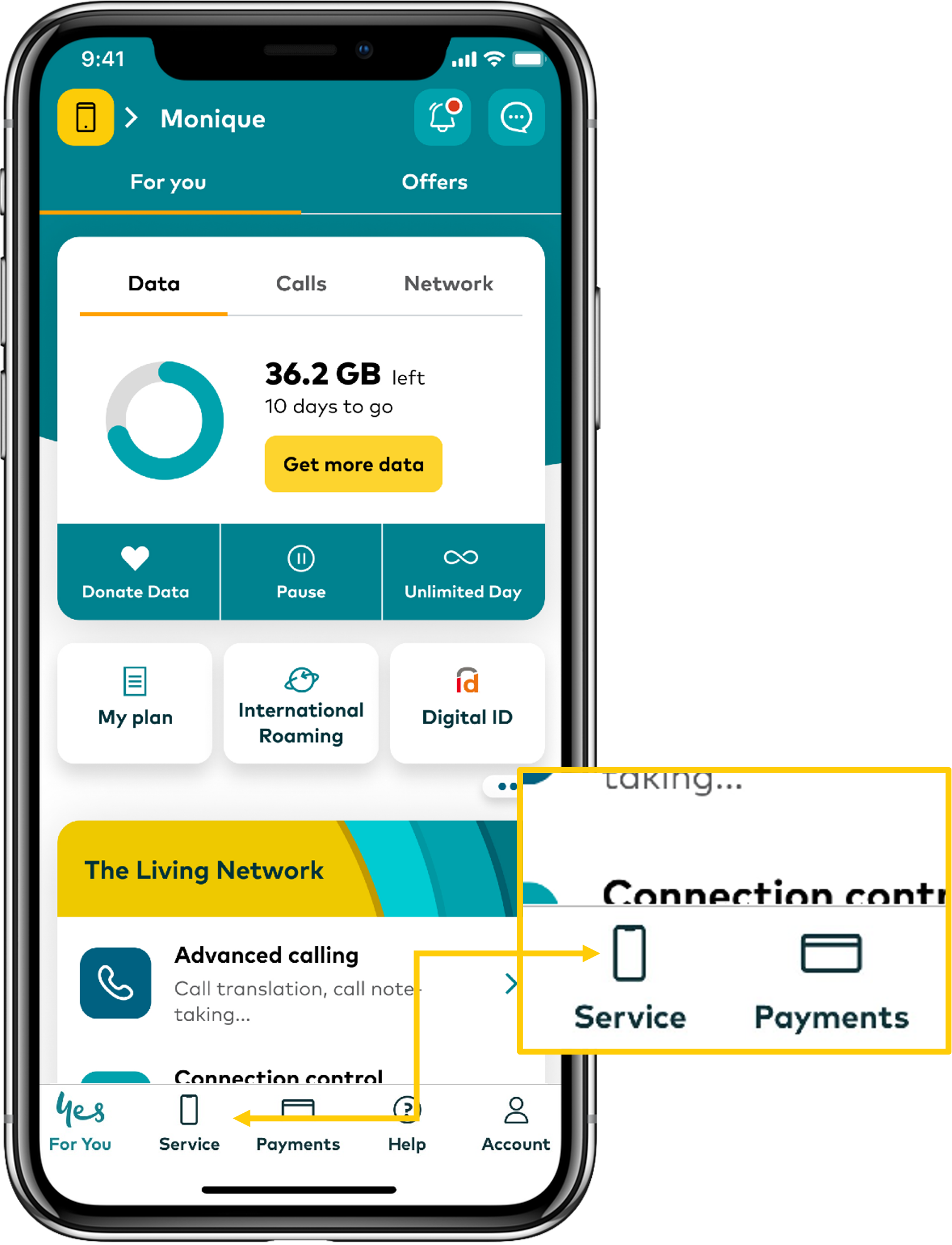
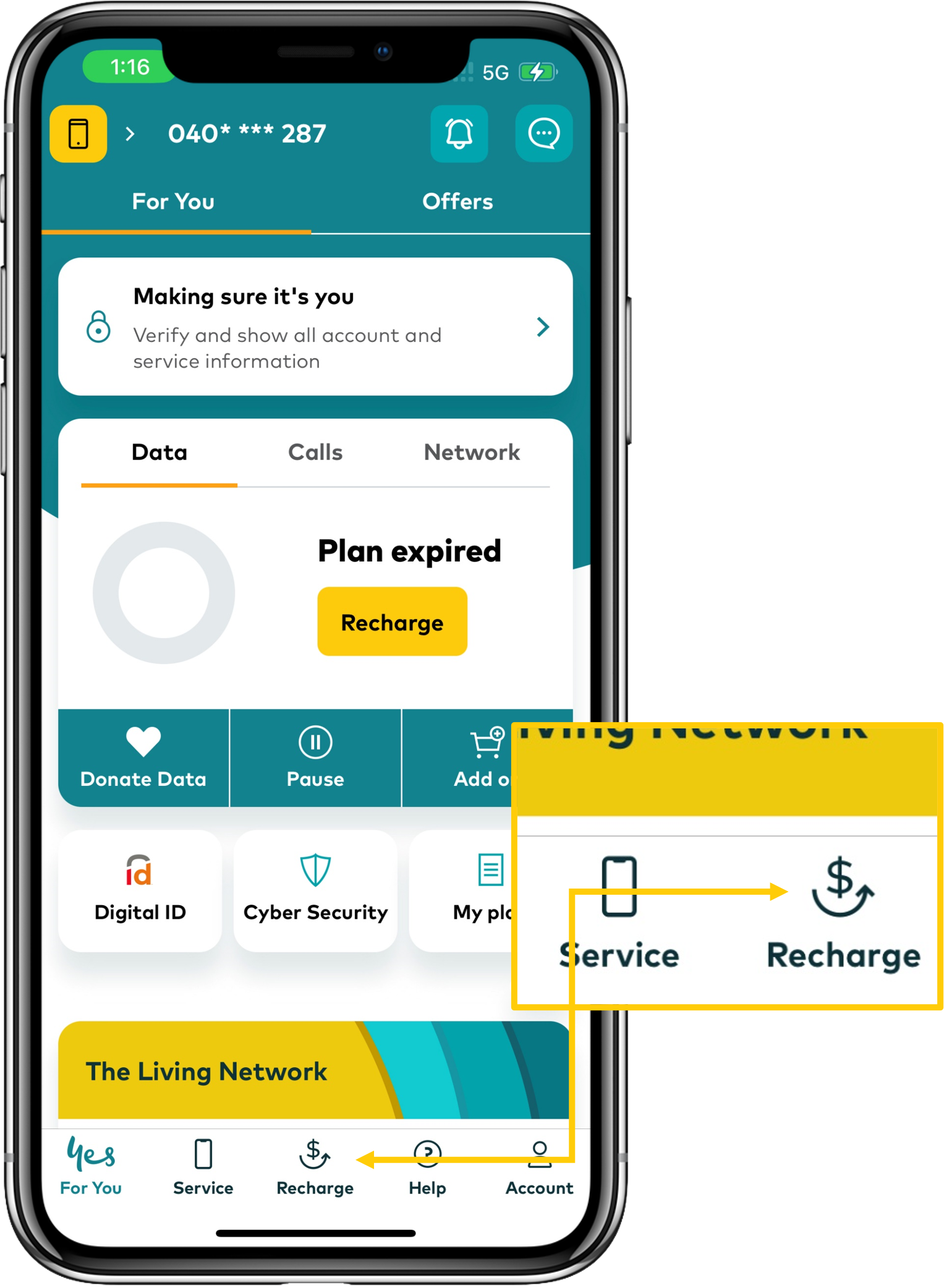
If you'd like to use your Optus number while traveling overseas, you'll need to make sure international roaming is switched on in My Optus app. You'll also need to make sure data roaming is turned on in your device settings.
In this article we'll show you how to add and remove international roaming.
Note:
- If you're on an Optus Choice Plus, Optus Choice Plus Data, Optus Plus Family, Optus Plus Kids, Optus Plus Promo, Business Choice Plus, Business Choice Data Plus, Business Teams Plus or Qantas plan, Optus Daily Roaming will be automatically turned on for your number. Find more information here
- If you're on an Business Choice, Business Choice Data or Business Teams plan, Optus Business $5 Roaming Pass will be automatically turned on for your number. Find more information here
You can find information on our roaming options here.
Further help
Need more help? Check out our other roaming articles: